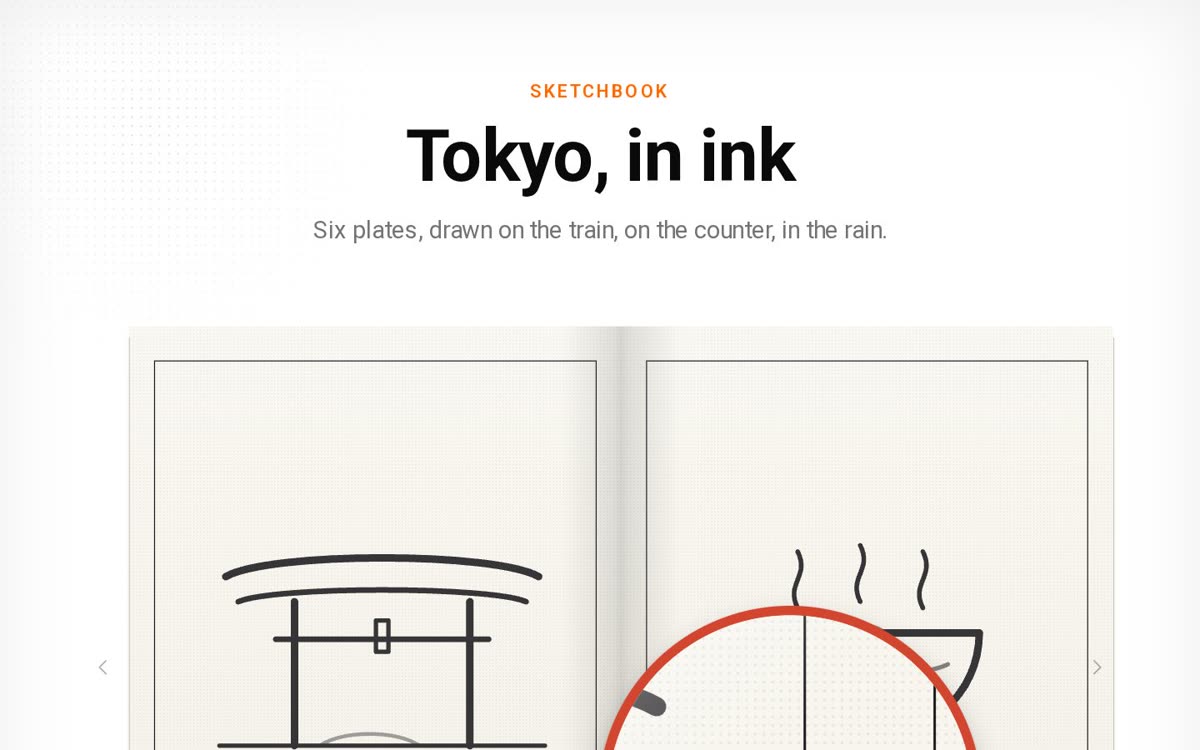
01Brief to live site
Agent design · live canvas
Agentic design · Canvas editor · HostingLive · built in one sitting
Hours
Brief to live1 click
Publish0
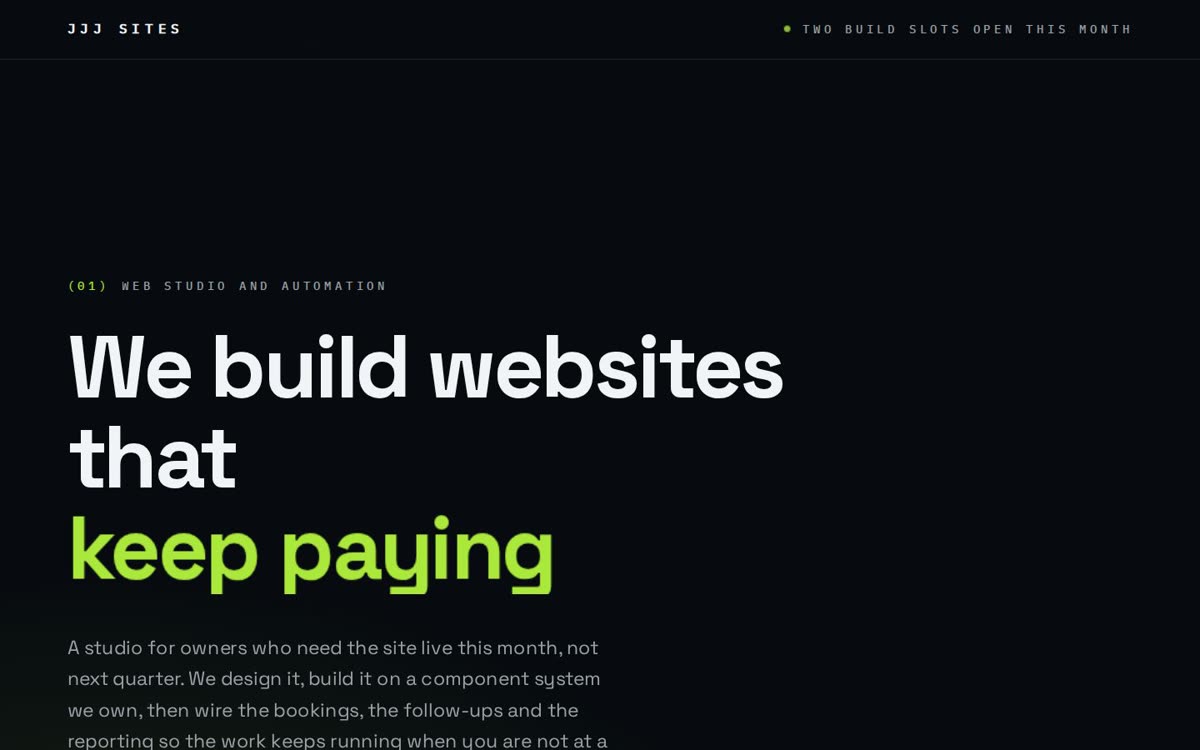
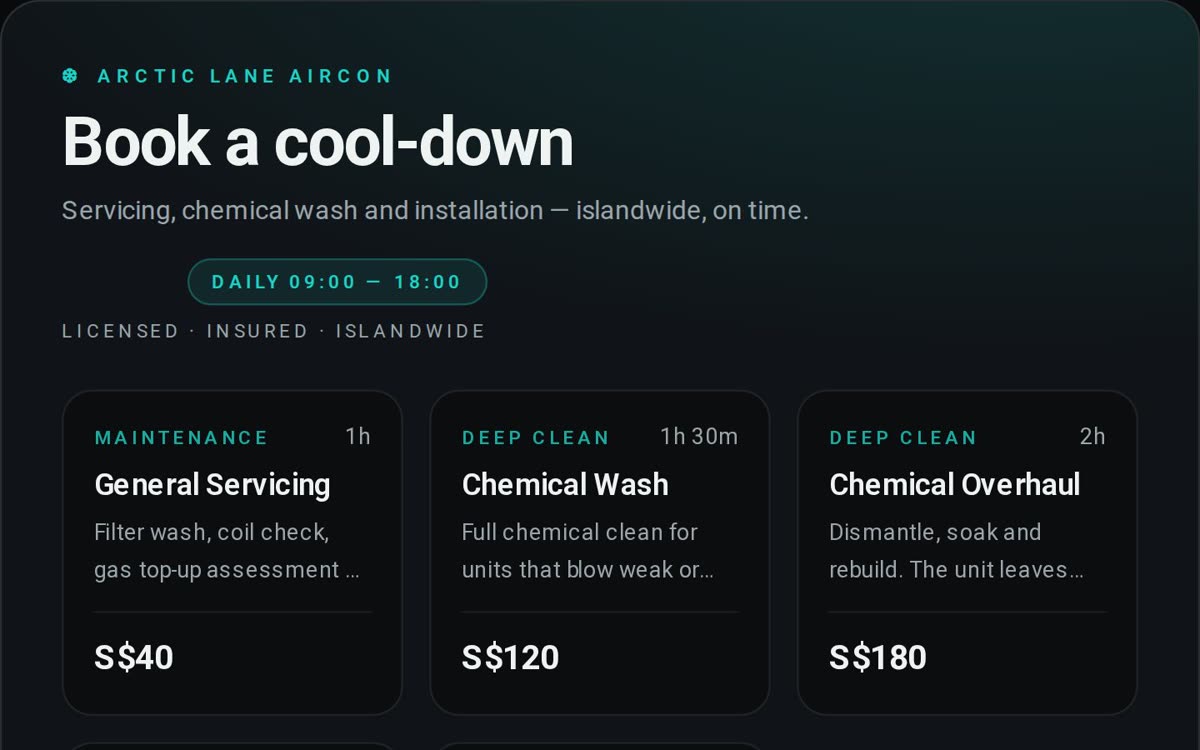
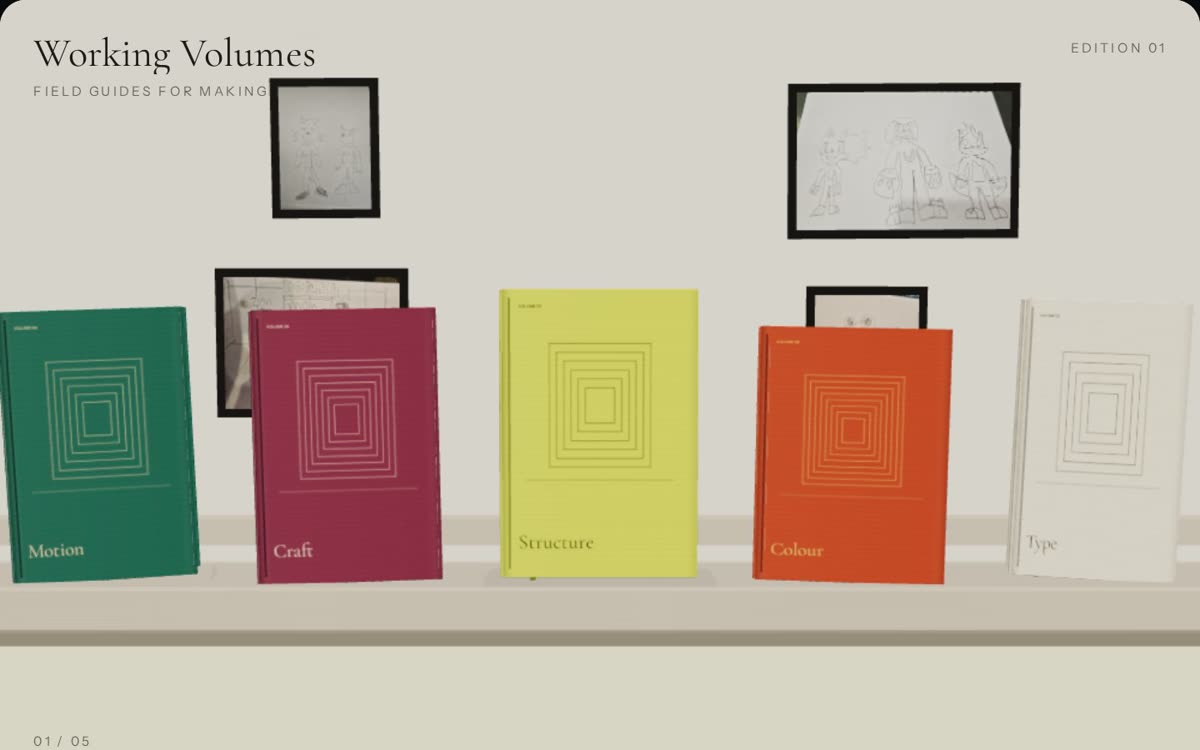
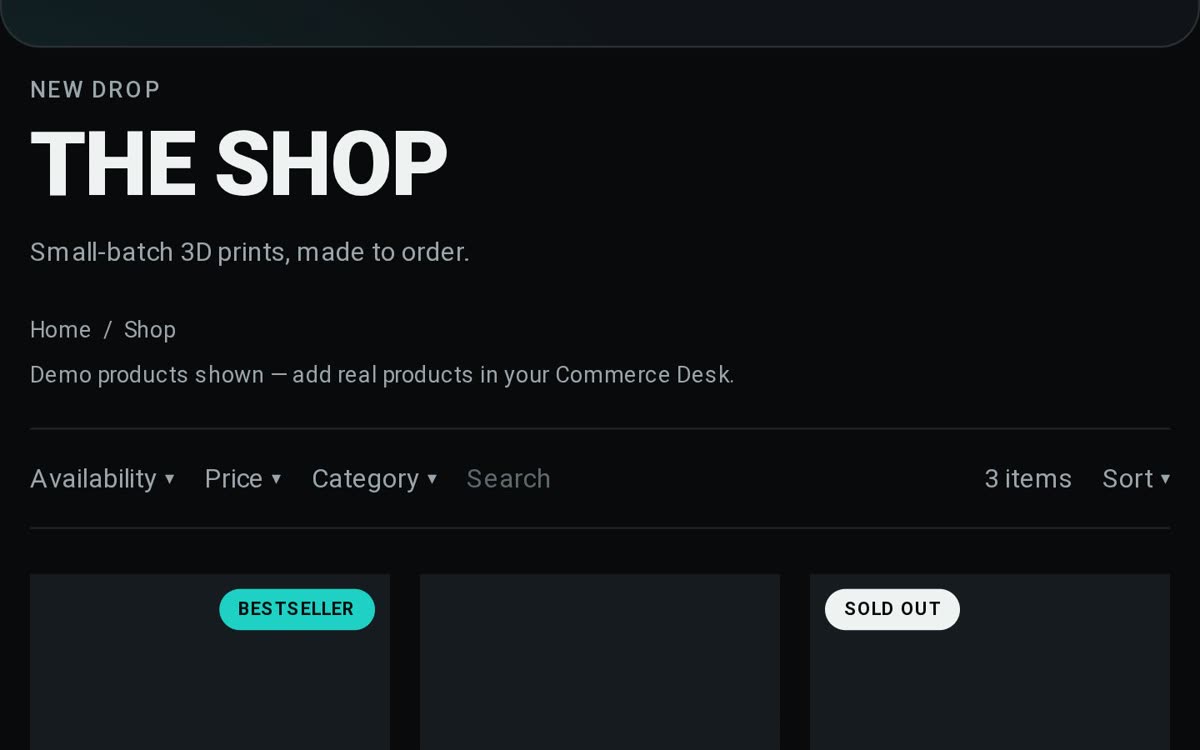
Code to writeA personal project. An agent designs a site on a live canvas, and the platform hosts it. This page shows what the platform can build.
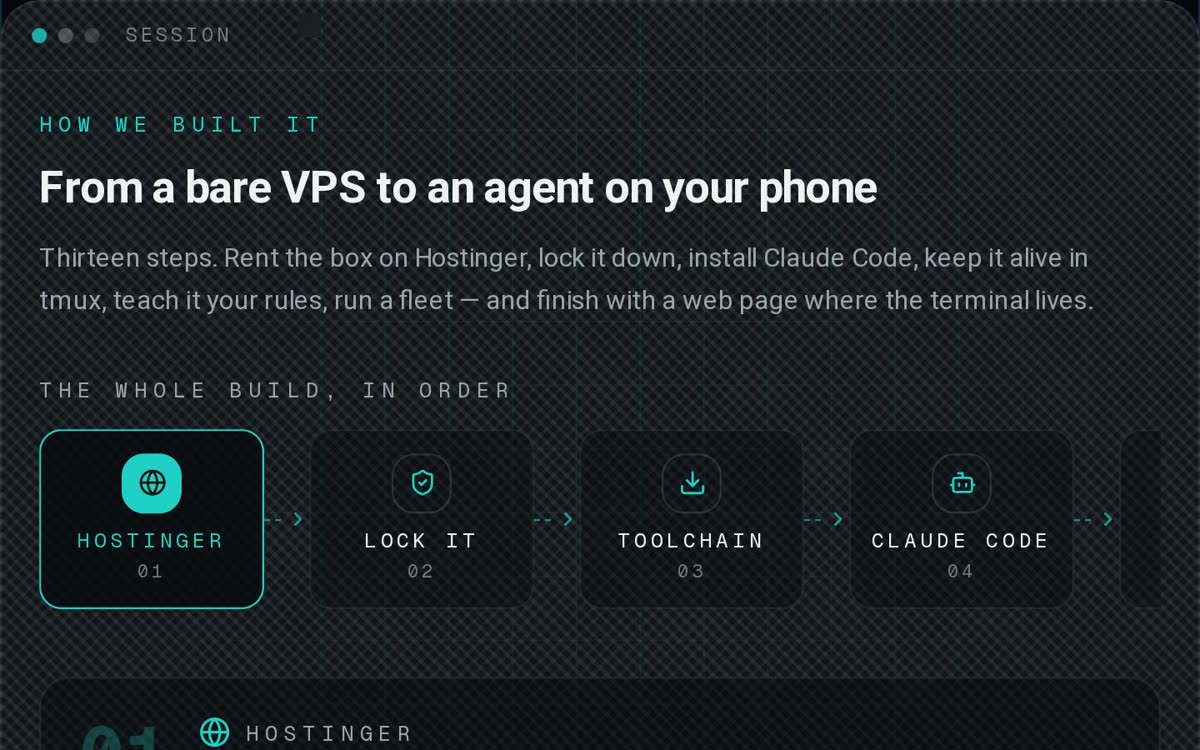
Every site starts as blocks on a live canvas. An agent drafts the layout from your brief, you drag and type to make it yours, and publishing is one click — hosting, SSL and your domain included.
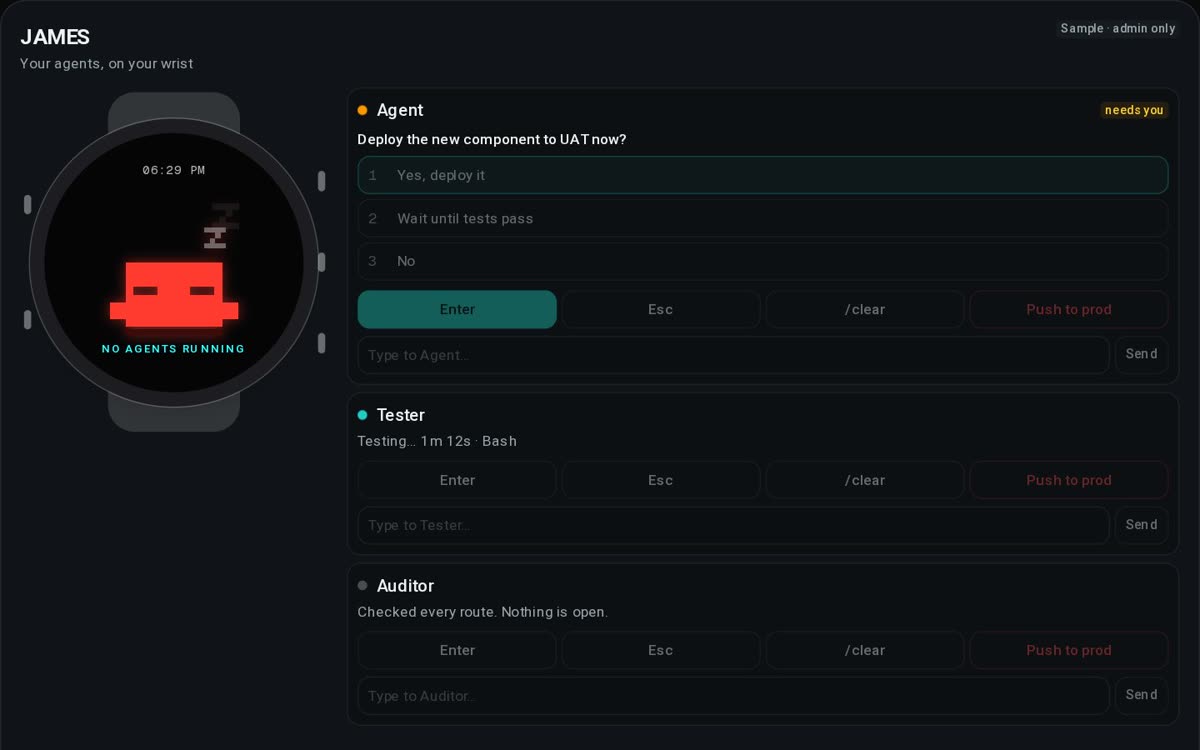
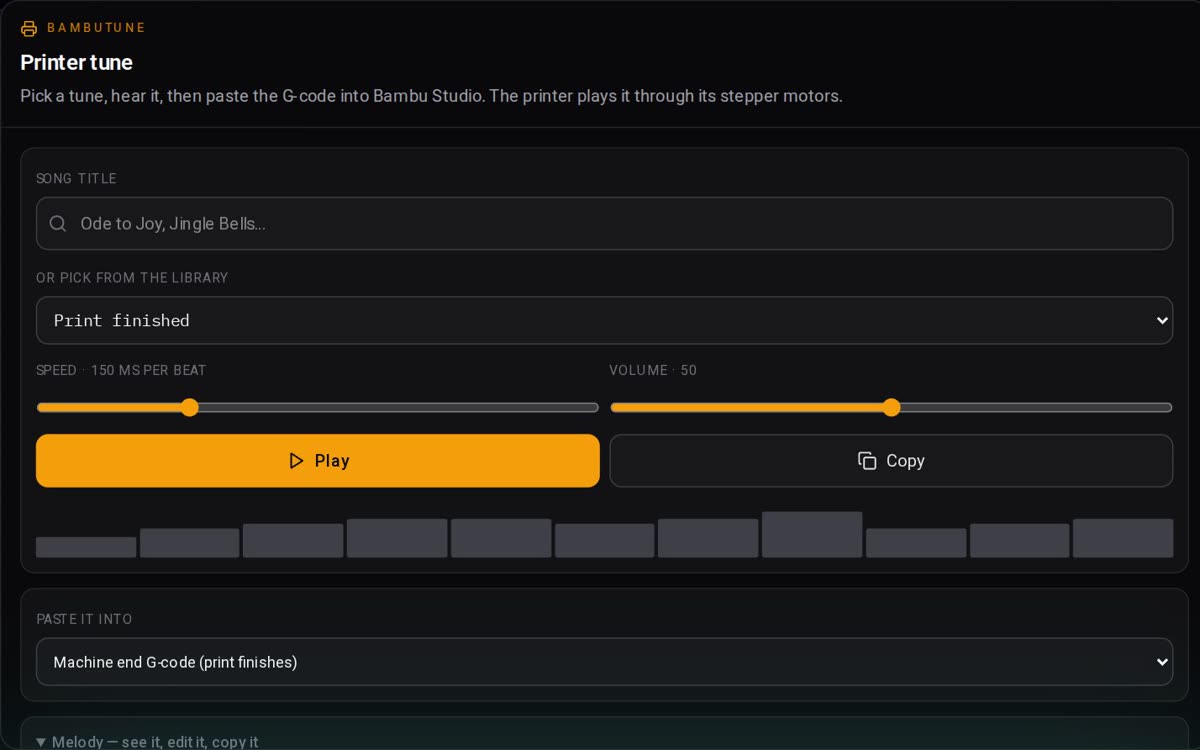

Four things on one continuum — from the first layout an agent draws to the site that takes your bookings.
Five steps from a conversation to a site you keep changing — no brief template, no handover, no waiting on a developer.
Tell the agent what the business does and who it is for. Plain words, no brief template.
The agent lays out the pages on a live canvas — real blocks you can move, not a screenshot.
Drag, resize and type in place. Desktop and phone are two canvases, both yours.
One click puts it live with hosting, SSL and your domain. Hours, not days.
The canvas never closes. Edit tomorrow, next month, whenever the business moves.
Start from a template, drop in a working component, or switch on an automation — all on the same canvas.